A shared shopping list the whole flat can use
Everyone in your household adds to the same lists from their own phone or browser. Whoever is in the shop ticks things off, and the item is gone for everyone else too.
Updated
How it works
Create as many lists as your household needs, for example one for groceries and one for the hardware store. Anyone in the group can add, edit or tick off items.
Each item has a category such as produce, dairy or bakery, so the list sorts itself the way a shop is laid out. When you add an item, Flatsby can suggest the category by sending the item name to a classification model, and you can change it. This uses AI credits.
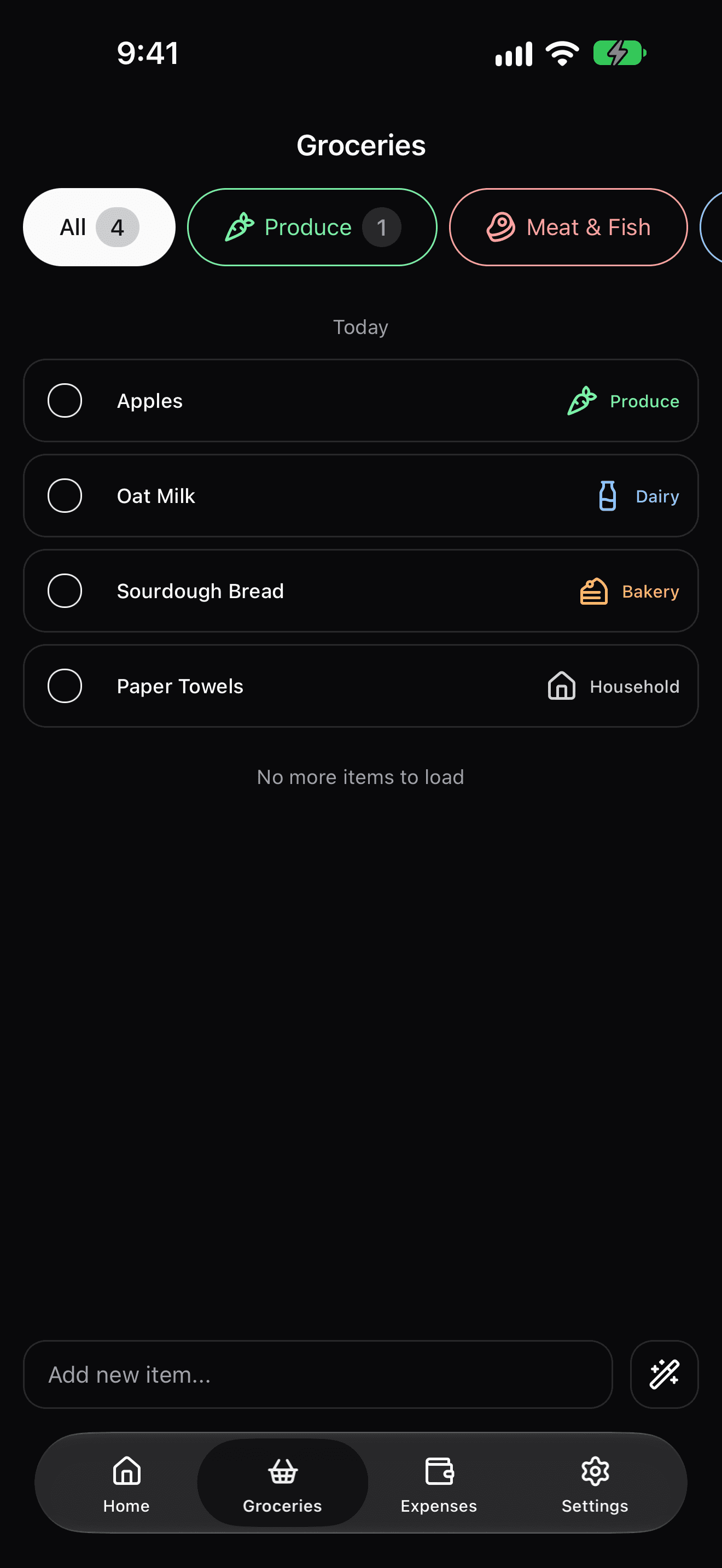
The same list on every device
The same lists open on the web, on iPhone and on Android. Changes are not pushed live yet: a flatmate's edits show up when you open the list again or come back to the app or tab.
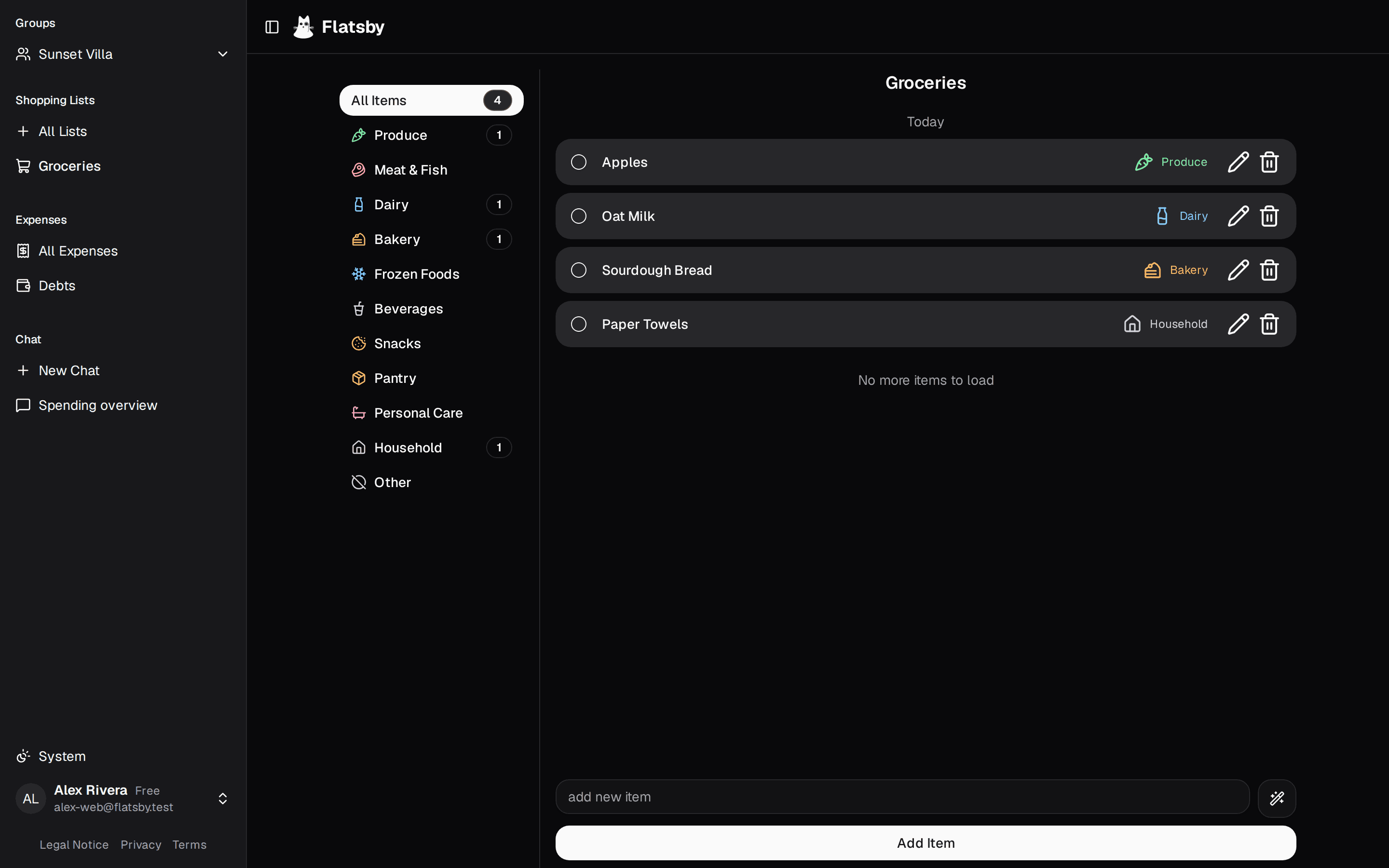
What it does not do
There are no reminders or push notifications yet. Lists are for shopping, not for chores or to-dos.